

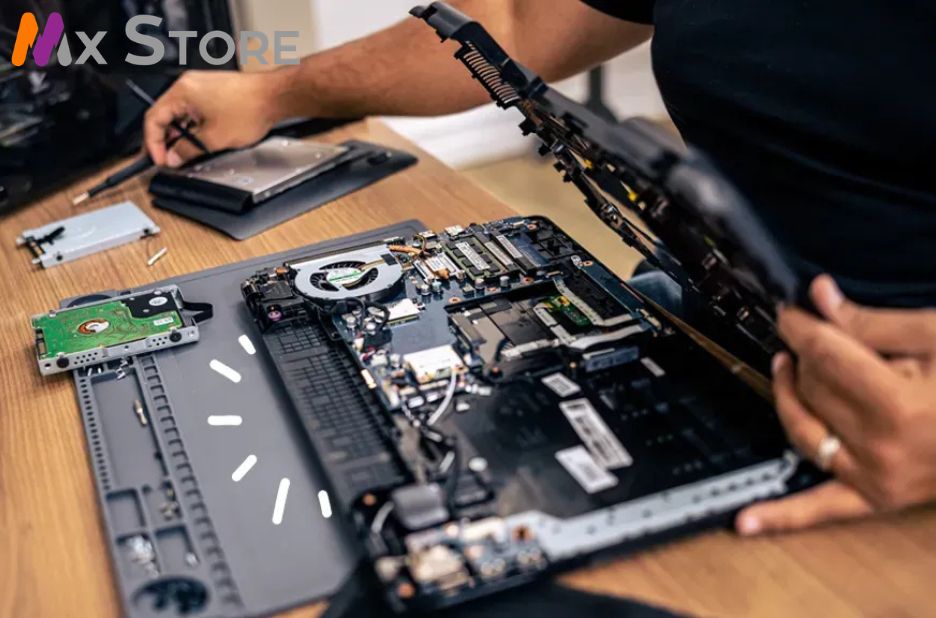
Overview of Local PC Support
In today’s fast paced work environment, reliable computer service is essential. A well managed system minimizes downtime and keeps your workflow smooth. When choosing a provider, look for experienced technicians who can diagnose hardware issues, optimize software, and secure data without interrupting your day. Clear pricing, transparent timelines, Monster Bilgisayar Servisi and accessible support channels help you stay productive and confident in the service you receive. A strong service plan also includes preventative maintenance to catch problems before they disrupt your operations, ensuring your devices stay ready for the next deadline.
Managed Software and Diagnostics
Comprehensive PC support blends hardware checks with software optimization. Routine system cleanups, driver updates, and malware scans protect your workstation from common threats while boosting speed and reliability. For businesses relying on specific applications, Microsoft Servisi compatibility testing and streamlined updates reduce downtime during migrations or upgrades. A proactive approach toward diagnostics translates into fewer emergency calls and more predictable IT expenses for your team.
Data Safety and Backup Practices
Safeguarding information is a core aspect of responsible PC service. Reputable providers implement robust backup strategies, secure transfer methods, and encrypted storage solutions. Regular data integrity checks and tested recovery procedures help minimize loss in case of hardware failure or human error. Clients benefit from clearly documented recovery objectives and realistic timelines, empowering them to plan operations around critical data availability.
Microsoft Servisi and Tooling Alignment
Effective Microsoft Servisi integration ensures that your Windows environment runs smoothly with support for Office suites, cloud services, and enterprise tools. Professionals coordinate updates, license management, and feature Rollouts to minimize disruption. By aligning services with your organization’s security policies and compliance requirements, you gain better control over user access, data protection, and overall system performance while reducing maintenance overhead.
Choosing the Right Support Partner
Selecting a dependable PC service partner means evaluating expertise, response times, and after care. Look for certifications, transparent service level agreements, and a track record of practical problem solving. It helps when technicians communicate in plain language, provide actionable recommendations, and document every step of the repair or optimization process. A solid provider becomes a trusted extension of your IT team, delivering consistent improvements to speed, stability, and resilience for your devices.
Conclusion
Quality PC care keeps equipment dependable and teams productive. By prioritizing proactive maintenance, clear communication, and security minded practices, you reduce downtime and extend device lifespans. Visit mxstore.com.tr for more insights and resources related to smart computer care and practical support options.