

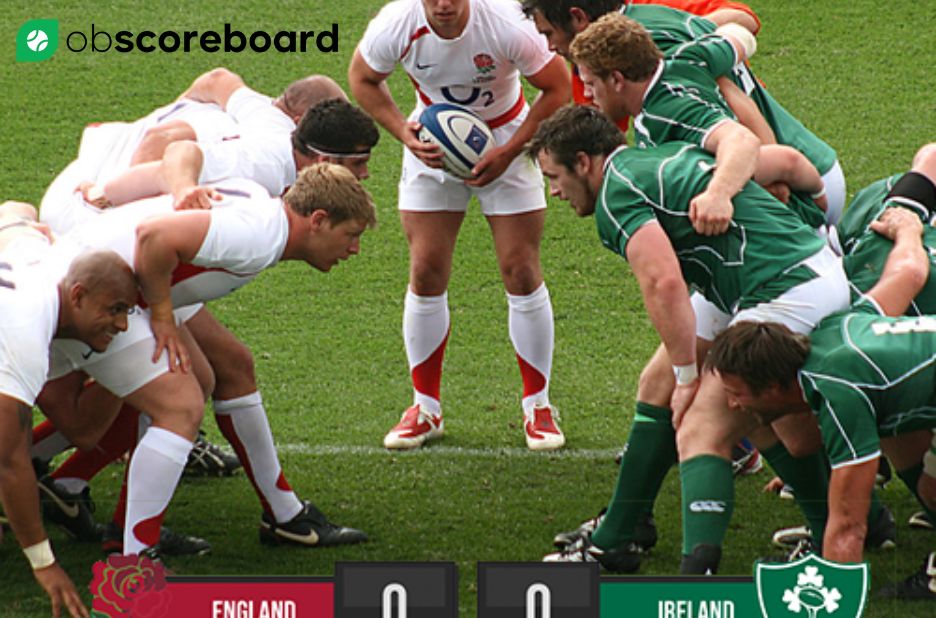
Overview of live overlay tools
For streamers and event producers, finding reliable, affordable overlays can be a game changer. A good overlay setup should be easy to adjust mid-broadcast, visually cohesive with your branding, and lightweight enough to not impact performance. When exploring options, consider how the overlay integrates with Vmix Scoreboard Overlay Free your Vmix workflow and whether it supports easy swapping of team data, player stats, and timers. The right tool helps you present real time information clearly without distracting from the action on screen or the gameplay itself.
Vmix Scoreboard Overlay Free options
Many creators search for a Vmix Scoreboard Overlay Free solution that fits their budget while still delivering clean visuals. A strong free option typically provides essential scoreboard elements, score readouts, and transition-safe zones that don’t clash with your video feed. Look for SVG Team Formation Overlay or PNG assets that render crisply at various resolutions, along with simple controls to update scores during a match or round. Compatibility with your current hardware and software setup is key for a smooth stream experience.
Designing a Team Formation Overlay
The Team Formation Overlay helps viewers track player placement and roles during fast paced games or broadcasts. A practical design separates the field from the side panel, uses color coding for teams, and keeps typography legible on mobile screens. When selecting a template or creating your own, prioritize a clean, data-driven layout with adjustable positions for players, substitutes, and coaches. This makes it easier for audiences to digest tactical information at a glance.
Integrating overlays into your production
Successful integration relies on planning: map out what data feeds you’ll display, set up automation for score changes, and test the overlay under real broadcast conditions. A well-executed setup reduces on-air fumbling and minimizes the risk of misread scores. Consider modular components — header, scoreboard, and formation panel — that you can toggle on or off depending on the moment in the game. This flexibility keeps viewers engaged without overwhelming them with data.
Tips for best performance
To keep overlays fast and reliable, optimize image assets, cache frequently used data, and ensure your capture pipeline remains under load during peak moments. Use vector graphics when possible to avoid blurriness on different screen sizes and confirm that font choices scale well. Regularly review overlay performance after streams to fine tune response times and readability, especially in dim or high-contrast broadcast environments.
Conclusion
In pursuit of practical, unobtrusive overlays, many creators combine a lightweight Vmix Scoreboard Overlay Free approach with a dedicated Team Formation Overlay to provide clear, actionable information. It’s worth testing different configurations to find what feels most natural for your channel. Visit obscoreboard.com for more ideas and tools that fit this setup and help streamline your next live production.